
Description
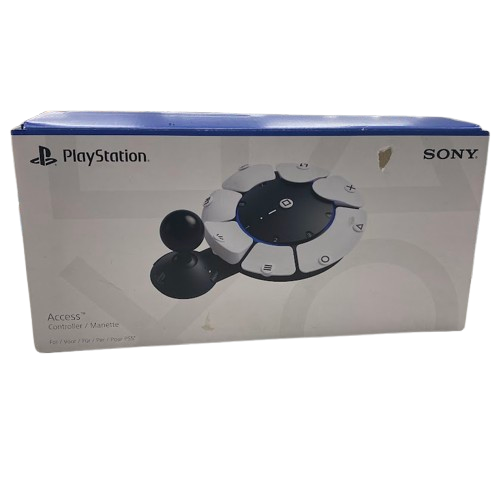
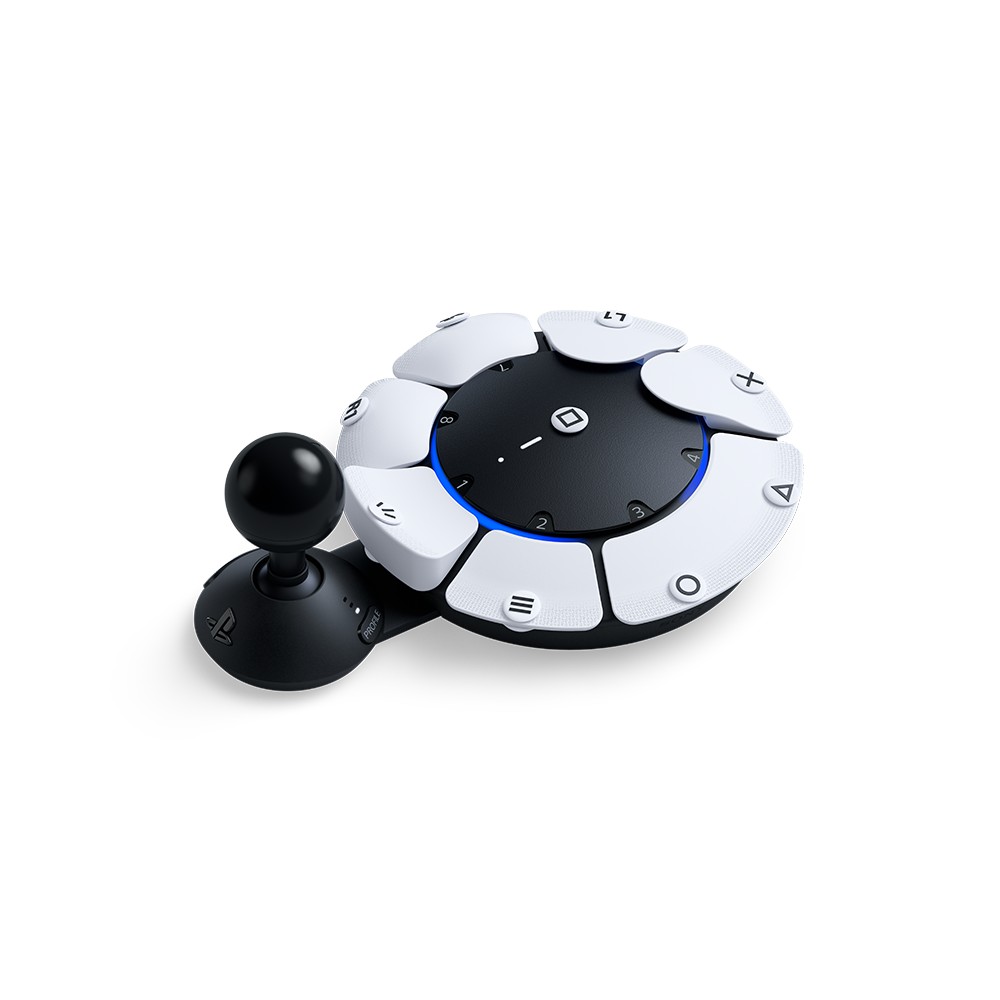
– Adaptable play styles – Swappable button and stick caps Configure the Access controller’s button layout to suit your range of mobility and switch between the included stick caps to find the shape and texture that works best for you; Adjustable stick length – Lengthen or shorten the control stick’s extension arm, then lock it down at your ideal length for comfort and convenience
– Built for easy access – Place the controller wherever play is most comfortable for you: from any 360° orientation, on different flat surfaces, a wheelchair tray, or attached to an AMPS pattern mount
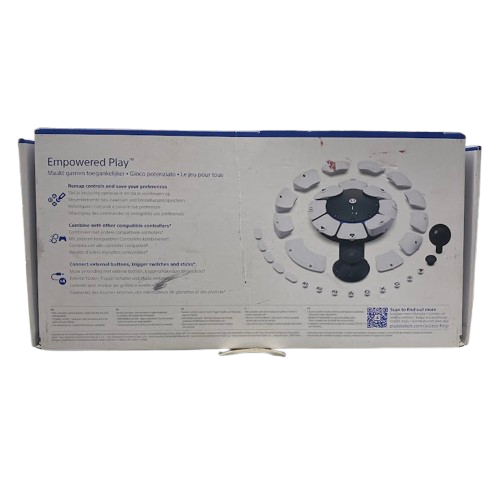
– Expandable inputs – Join forces with other controllers Use up to two Access controllers together or combine one or two Access controllers with a DualSense or DualSense Edge wireless controller to add features like haptic feedback, adaptive trigger, motion sensor, and touch pad swipe to your setup
– Custom profiles – Configure up to 30 individual control profiles from your PS5 console settings, store three profiles on the Access controller and quickly switch between them with a dedicated button, enabling you to use the most suitable control layout and button functions for what’s happening in-game
– First time setup of the PlayStation 5 console requires a DualSense wireless controller (included with PS5 consoles); DualSense wireless controller or PlayStation VR2 Sense controller may be required to fully experience or play certain games